One corporate wellness dashboard. One participation rate.
Enrolled users, active users, rewards spend and participation rate sit on the Overview, each with a delta against the previous period and a sparkline. Filter to one country or one department, then export the rows underneath.
Six kinds of logging. One rate.
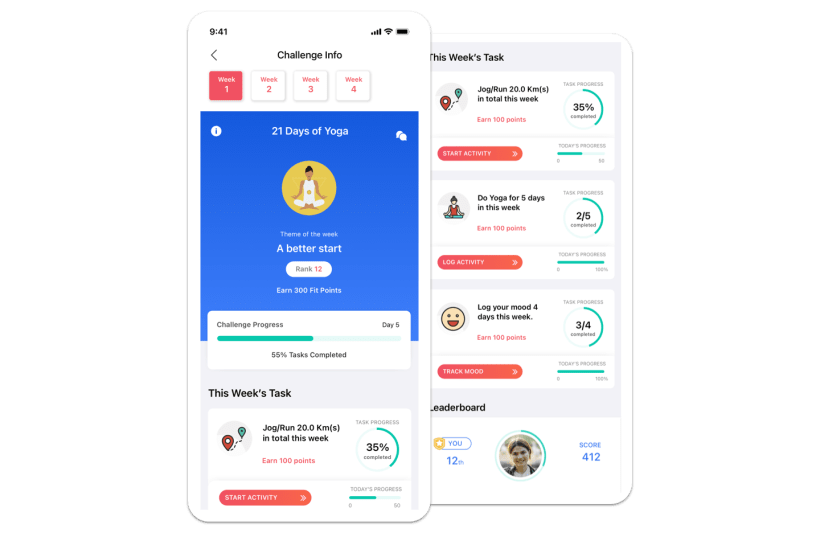
Steps, a GPS run, a logged meal, a glass of water, a mindfulness session, a lab report. Every one counts toward the same participation rate and the same challenges, so the Overview measures one thing instead of stitching six.
Most employee logging happens in the mobile app. Lab report upload is the web exception.
Cut it the way you get asked about it.
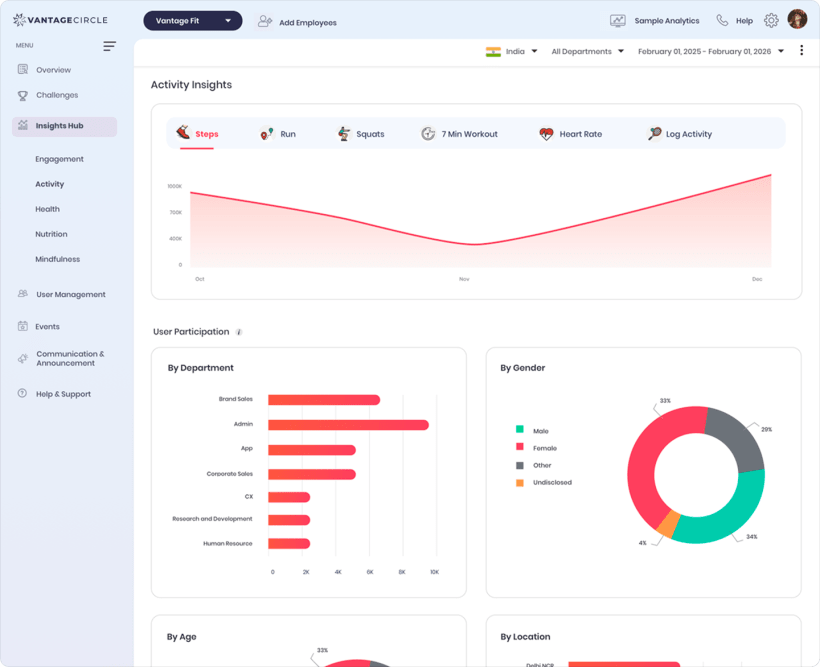
One filter bar drives every section of the Overview. Pick a window, then narrow to the population you are about to be asked about.
One panel is AI. The other is a rulebook.
Leadership Insights is written by an internal ML service from aggregated buckets, with no personal data sent to it. Recommended Actions are rule-based shortcuts, capped at five and ordered by priority.
Read only, on aggregated buckets. It observes. It does not predict, and it does not change your configuration.
Links into the dashboard, not automations. Nothing here sends itself.

Admins see the department. Never the person.
There is no screen in this dashboard where an admin opens one employee's health. Aggregation is the product rule here, not a setting somebody can switch off.
HIPAA-guideline aligned on this point.
The rows behind the number, as CSV.
Filters apply before export, so the file matches the screen you were looking at. No ticket, no data team.
Active, inactive and dormant status per employee. Search, or filter by department and country.
CSVPoints earned and redeemed, converted through SOLI, filtered by date and category.
CSVWhat was redeemed, when, and in which reward category.
CSVScore, steps and team views per challenge. Teams rank on the average of member scores.
CSVTier standings and rolling average steps, over a configurable window of 7 or 30 days.
Annual planGenerated per campaign as a PDF, with your logo, seal and signer, ready to send.
PDFThat is what an admin without those surfaces sees: the card grayed out behind a diagonal stripe, with a link that opens a pre-filled email to their account manager. Wellness Leagues needs an annual contract. Health Insights is narrower than a plain annual plan, so confirm eligibility before it reaches a proposal. Verify with product
Three things buyers ask in week one.
Do I need IT to pull a report?
No. Every report exports as CSV from the dashboard itself, and the filters you set on screen are applied before the file downloads.
Our teams sit in six countries. Which currency does rewards spend show in?
The Incentivization card converts total rewards spend into the currency of the admin who is signed in, using the Standard of Living Index.
What is included without an annual contract?
The four KPI cards, every Overview filter, Recommended Actions, the Employee, Transaction and Redemption reports, and campaign certificates. Wellness Leagues and Health Insights stay locked until an account manager enables them.
Bring the number to your next leadership review.
We will walk the Overview, the filters and the exports against your own headcount and rollout.